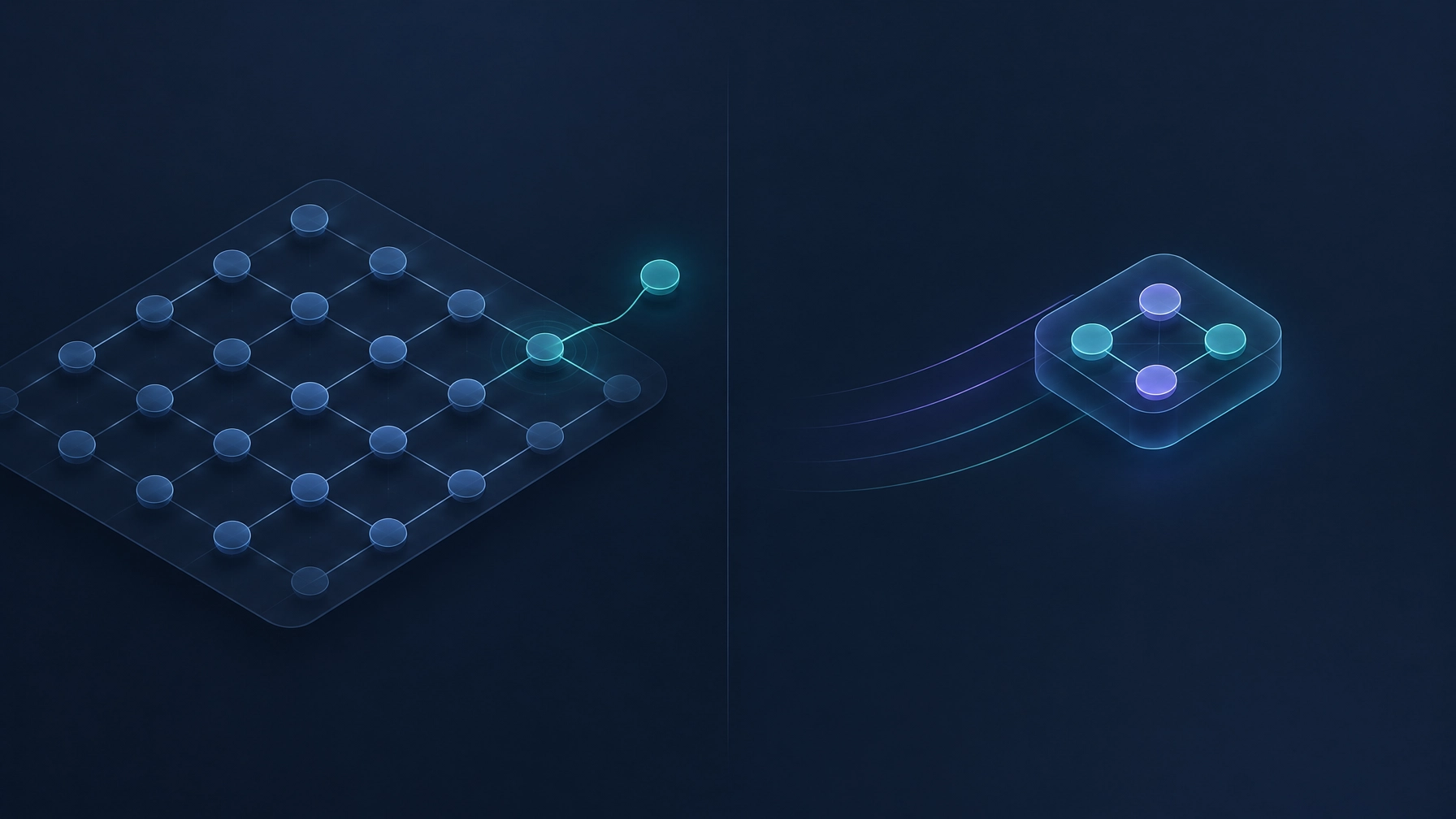
Yes, you can run AI on your own servers so financial data never leaves the building. An on-premise LLM, meaning a language model installed on hardware you control instead of a provider's cloud, is a workable option for sensitive finance data when the data truly cannot leave and the workload is steady.
It is also a trade-off, not a default. This post covers when it pays off, when a private cloud or an enterprise cloud plan is the better call, what the hardware really costs, and a checklist your IT team can work through.
Why finance teams don't want to send data to ChatGPT
The hesitation comes from what the model has to read.
Think about what passes through a finance function in a normal month: supplier invoices with pricing and bank details, payroll records, contracts with confidentiality clauses, customer statements, sometimes a list of client accounts. Each of those has someone watching it. A client contract that says the data cannot leave. An auditor who asks where the numbers were processed. A regulator who may ask the same question.
| What's in the room | Who asks about it |
|---|---|
| Client and vendor pricing, bank details | Client contracts with confidentiality clauses |
| Payroll and employee records | Privacy requirements and internal policy |
| Journal entries, reconciliations, approvals | External auditors, and internal audit |
| Documents produced under an engagement | The client whose work it is |
None of this means cloud AI is unsafe, and it would be dishonest to say so. Enterprise plans from the major providers are built for exactly this concern. OpenAI states that it does not train on business data by default (OpenAI, Enterprise privacy, updated January 8, 2026). Azure OpenAI offers regional deployment so processing stays in a geography you choose (Microsoft Azure, Azure OpenAI pricing and deployment types). Those are real protections, in writing, from parties with a lot to lose.
The point is narrower. Some companies cannot accept the data leaving. Their contract forbids it, or their auditor expects processing to stay inside a perimeter they can walk through, or the client's compliance team said no before the conversation started. Nothing about a cloud provider's policy changes that. When the answer is "inside our walls," the only way to satisfy it is to put the model inside the walls.
Three options: public cloud AI, private cloud LLM, on-premise LLM
The words get mixed up, so here is the mapping we use. Private LLM means a model running for one organization only. That can be a dedicated instance rented in someone else's data center, or a model running on your own hardware. People use the term for both, and the difference matters for cost and control. When this post says private cloud, it means the rented version; when it says on-premise LLM, it means the model and the data are on machines you own or lease directly.
| Public cloud AI | Private cloud LLM | On-premise LLM | |
|---|---|---|---|
| Where the data lives | Provider infrastructure; enterprise terms and regional options apply | A dedicated instance in a provider's data center | Your data center or a colocation rack you control |
| Who controls the model | Provider | Provider operates it; you configure it | You do |
| Upfront cost | None | Low; sometimes a reservation | The highest of the three |
| Ongoing cost | Per use | Per month, usually steady | Power, cooling, maintenance, staff time |
| Model quality ceiling | The best available models | Strong, close to frontier for most document work | Good open-weight models; not the absolute frontier |
| Effort to maintain | None | Low | Highest: patching, updates, monitoring, backups |
| Best for | High-volume work with no data restriction | Sensitive data with low or bursty volume | Data that cannot leave, at steady volume |
None of these is the right answer in the abstract. The right one comes from two facts: how sensitive the data is, and how much work there is.
Which finance processes a local model can handle (and which it can't)
A smaller model running in your building does a different job than the best cloud model, and it handles more than people expect.
Good fits
These are tasks with a narrow question, a document, and an answer a person can check:
- Reading invoices and bank statements and pulling out the fields you need
- Classifying documents and routing them to the right queue
- Supporting a reconciliation: suggesting matches, listing what does not line up, leaving the decision to a person
- Flagging anomalies for someone to look at
- Summarizing long documents, contracts and meeting minutes
- Answering questions about your own policies and procedures
- Drafting reports from data that is already structured
Weaker fits
These need the best available reasoning, or a lot of context held at once:
- Multi-step reasoning across systems where each step depends on the last
- Open-ended analysis where the question itself is vague
- Work where being occasionally wrong is not acceptable and there is no one to catch it
The part that matters more than the model. A modest local model with a clear process around it usually produces better outcomes than a stronger model used carelessly. Clear inputs, a defined output format, an owner who reviews, exceptions escalated to a person: that process does the heavy lifting. The model reads. The process decides. Everything that moves money gets a human signature before it does.
What the hardware really costs (no hidden costs)
The quote for "the server" is the smallest line in this budget. Here is the whole shape of it, in five parts.
Server and GPU
The machine that runs the model, and the graphics processor (GPU) is the expensive piece because model size is limited by how much memory it holds. A professional card with 48GB of memory lists at roughly $9,000 to $10,900 (B&H, RTX PRO 5000 Blackwell 48GB; Newegg, RTX 6000 Ada 48GB; checked November 2026). A 96GB card of the newer generation lists near $20,000 (B&H, RTX PRO 6000 Blackwell 96GB, checked November 2026). The card is one part of one machine; the server around it is a separate line.
Setup and integration
Connecting the model to your ERP, your shared drive, your inbox, your approval steps. This is usually where the project actually lives, and it is work, not hardware.
Power and cooling
A single 48GB card such as the RTX 6000 Ada draws up to 300 watts on its own (NVIDIA, RTX 6000 Ada specifications); the whole server draws more. Electricity in the US averaged 14.47 cents per kilowatthour for commercial customers in August 2026 (US Energy Information Administration, Electric Power Monthly, Table 5.6.A). A room rated for ordinary office equipment may need cooling work before it can hold a server that runs all day.
Maintenance and model updates
Open-weight models get replaced every few months. Someone has to test the new one against your real documents before swapping it in, and someone has to patch the operating system and the serving software in between.
Staff time
The line that gets left out of proposals. Day-to-day ownership, monitoring, and the person who answers when the model stops responding at 8am on close day.
Three example shapes, described by what they can handle rather than by brand. Prices move too fast to print here; ask for a quote that lists the GPU, the server, setup and support as separate lines.
| Shape | What it can handle |
|---|---|
| Small team, document work | Reading invoices and statements, classification, summaries, policy Q&A. A single mid-range card is enough for a small model. |
| Department level | The same work at higher volume, plus longer documents and more concurrent users. More memory, often two cards. |
| Heavier workloads | Bigger models, more users, or several processes running at once. Multiple high-memory cards, and a rack instead of a corner. |
When cloud is cheaper. If the work is occasional, or arrives in bursts, rent. A rented GPU instance bills by the hour and stops when you stop it; a server you bought bills every month whether the model is answering or not. For a team processing a few hundred documents a month, the arithmetic usually favors a managed option, even before you count the person who has to keep the machine alive.
Two real cases (anonymous)
Funds-management services firm
The firm receives money from corporate clients, pays it out on their instructions, and earns a commission. They needed a module to control money received, payouts, commissions and operating expenses, with a monthly audit of each branch that would be presented to their external auditors first. They don't use hosted AI assistants, so we built the proposal around AI agents running on local models. The firm had no servers, so the hardware went into the proposal as its own line, visible from the first draft.
Professional association
They needed AI to draft board meeting minutes, and wanted the processing to stay on a server in their own data center rather than move to the cloud. The proposal included the estimated server cost, spelled out, so there was nothing to discover later.
Both clients made the same choice: they decided where the processing happens, and they saw the infrastructure cost before the work started.
Checklist for your IT team
Send this to whoever runs your infrastructure. It is written so they can answer it without a meeting.
- Data classification. Which finance data can leave the building, and which cannot? Get it in writing, per data type, not per system.
- Where the server sits. Existing data center, a new machine in a closet, or a colocation rack. Each has a different cost and a different owner.
- Memory sizing. Pick the target model first, then size the GPU memory for it with room for the context you actually need. Working backwards from a card is how projects get stuck.
- Model choice and license. Pick an open-weight model and read its license before you build on it. Licenses differ: some open-weight models ship under permissive licenses such as Apache 2.0, while others add conditions on use, attribution or redistribution. Read the license for the exact model version you deploy.
- Serving stack. The software that loads the model and answers requests. Choose one your team can operate, not one that only its author understands.
- Access control and logging. Who can call the model, from where, and what gets recorded. Treat it like any other system that touches financial records.
- Audit trail of prompts and outputs. Store what was asked, what came back, and who approved the result. Your auditors will ask for this.
- Backup and update plan. Model weights, configuration, and logs. Plus a schedule for testing a new model version against a sample of real documents.
- Network isolation. If the model must not reach the internet, prove it: egress rules, no auto-updates from outside, no diagnostic telemetry.
- Validation before anyone acts. Name the step where a person reviews the output, and what they are allowed to approve on their own.
- Exit plan. What happens when the workload outgrows the hardware, or when a better model needs more memory than you bought.
- Day-to-day owner. One named person, with hours allocated. A model nobody owns becomes a model nobody trusts.
How to decide
If the data cannot leave by contract or by regulation, and the workload is steady, price out the server, including the parts nobody quotes: power, updates, staff time.
If the data is sensitive but volume is low or uneven, a private cloud instance gets you most of the control for a fraction of the fixed cost.
If there is no restriction on the data, use the strongest model you can buy and spend your energy on the process around it.
The mistake in all three cases is choosing where the model runs before deciding what the process needs.
Start with one process, not the whole roadmap.
A discovery call is a conversation about your processes and constraints. It is free, there is no deliverable, and it is not a pitch. If it makes sense afterward, the next step is a two-week diagnostic with a defined scope.
Frequently asked questions
Is an on-premise LLM as good as ChatGPT?
For narrow, well-defined tasks like reading an invoice or classifying a document, a local model can do the job, and your process around it matters more than the model. For open-ended reasoning and the hardest questions, the best hosted models are still ahead. Choose based on the task, not the leaderboard.
How much does it cost to run an LLM on our own server?
It depends on the model size and the volume. The GPU is the largest single item; a professional card with 48GB of memory lists between about $9,000 and $10,900, and the server, power, updates and staff time sit on top. Ask for a quote that names every line.
Do we need a GPU?
For a useful model at business volume, yes. Small models can run on a CPU, but slowly, and slow usually means nobody uses it. The GPU's memory is what limits which model you can run.
Can a local LLM work with our existing ERP?
Usually yes, and it works around the ERP rather than inside it: the model reads exports, PDFs and emails, and proposes entries that a person posts through the same steps they use today. Whether that is practical depends on what your ERP lets you export and how often.
Sources
- OpenAI, Enterprise privacy, updated January 8, 2026. openai.com/enterprise-privacy
- Microsoft, Azure OpenAI pricing, global, data zone and regional deployment types. azure.microsoft.com
- B&H Photo, PNY NVIDIA RTX PRO 5000 Blackwell, 48GB, $8,999, checked November 2026. bhphotovideo.com
- Newegg, NVIDIA RTX 6000 Ada, 48GB, $10,899, checked November 2026. newegg.com
- B&H Photo, NVIDIA RTX PRO 6000 Blackwell Workstation Edition, 96GB, $19,999.99, checked November 2026. bhphotovideo.com
- NVIDIA, RTX 6000 Ada Generation specifications, max power consumption 300 W. nvidia.com
- US Energy Information Administration, Electric Power Monthly, Table 5.6.A, commercial average 14.47 cents per kWh, August 2026. eia.gov
- Apache Software Foundation, Apache License, Version 2.0. apache.org